Quick answer: the best one matches your floors and your upkeep tolerance
There is no single best robot vacuum and mop for every home. The right choice is the one that can handle your floor mix, keep a damp mop away from the rugs you care about, navigate the rooms you actually use, and ask for a level of upkeep you will realistically do.
Prioritize floor type, carpet protection, and dock upkeep: mostly hard-floor homes may value controllable mopping, while homes with rugs need a documented carpet strategy. In pet- or clutter-heavy homes, favor documented obstacle handling and supervise early runs.
Think of a combo robot as a routine-maintenance tool, not a replacement for spill cleanup, untangling, or floor-care guidance.
Start with the floor plan, not the feature list
Before comparing models, make a quick map of the surfaces the robot must cross:
- Hard floors: Identify wood, laminate, vinyl, tile, or stone, then check the floor maker’s care guidance before using water or cleaner. If wood is a priority, see our guide to choosing a good vacuum for hardwood floors.
- Rugs and carpet: Note rugs, fringes, thick edges, and whether the robot must clean carpet during a hard-floor run. See how robot vacuums work on carpet for the limits to consider.
- Transitions and tight spaces: Measure high thresholds, low-furniture clearance, and dock space. A robot that cannot reach the rooms you care about is a poor match.
- Mess type: Separate dry debris, hair, grit, fresh spills, and stuck-on residue. A damp pad is not a substitute for manually addressing a large or sticky spill.
Someone with tile and no rugs may value a simple mopping routine. Someone with hardwood, runners, and carpeted bedrooms should prioritize mop management, maps, and no-mop controls.
The four features that most change the experience
1. How the robot handles mopping near rugs
Do not assume every vacuum-and-mop combo protects carpets in the same way. Some require you to remove the pad. Others can be configured to avoid designated areas or advertise that they lift or detach the mop assembly. The distinction is important when a cleaning route moves between hard floors and textiles.
For example, iRobot says its Roomba Combo 10 Max uses an Auto-Retract Mopping System that lifts the mopping assembly to help prevent wet-carpet contact. Its product page also says the robot can vacuum, mop, or do both in one pass. iRobot’s product documentation is an example of the kind of exact behavior to verify for each model—not a reason to assume another robot works the same way.
Roborock’s current U.S. store information likewise lists different approaches across its range, including “Auto Mop Detachment for Carpets” on the Qrevo 2 Pro. It also describes app-configured No-Go Zones. Roborock’s official store information illustrates why an exact product page and manual matter more than a generic label such as “mop lift.”
For any candidate, answer these questions before buying:
- What does the robot do when it reaches carpet: avoid it, lift the pad, detach pads at the dock, or need manual intervention?
- Can you set no-mop zones for rugs and other sensitive areas?
- Does the stated behavior apply to your exact model and dock configuration?
- Can you run a vacuum-only job when you do not want moisture on the floor?
If the answers are unclear, treat that as a reason to keep looking—not as a detail to solve after the return window.
2. Navigation that works with your household, not a showroom
Mapping is useful when it lets you select a room, create an exclusion zone, or run a short kitchen clean. Obstacle recognition is useful too, but it does not replace picking up cords, clothing, pet items, and small toys.
Check the documented navigation system and limitations. iRobot describes detection sensors and a camera for the Combo 10 Max, including room recognition and avoidance of items such as stairs, cords, and pet bowls. Roborock describes navigation systems that vary by series, plus cleaning routes and No-Go Zones. Those claims do not mean every robot identifies every object in every home.
Supervise early runs, update the map, create exclusions, and keep obvious hazards off the floor.
3. A dock that removes chores you actually dislike
A dock may only charge, or it may empty debris, handle water, wash pads, and dry pads. More automation can reduce hands-on steps, but it also adds tank care, dock space, and model-specific maintenance.
The Roomba Combo 10 Max’s AutoWash Dock is documented to empty debris, refill the mopping tank, wash and dry the pad, and run a self-cleaning cycle. Roborock describes docking options that can include dust emptying, pad washing and drying, automatic mop removal, and water-tank refilling. Read the dock description separately from the robot description. A robot name alone does not tell you which functions are included.
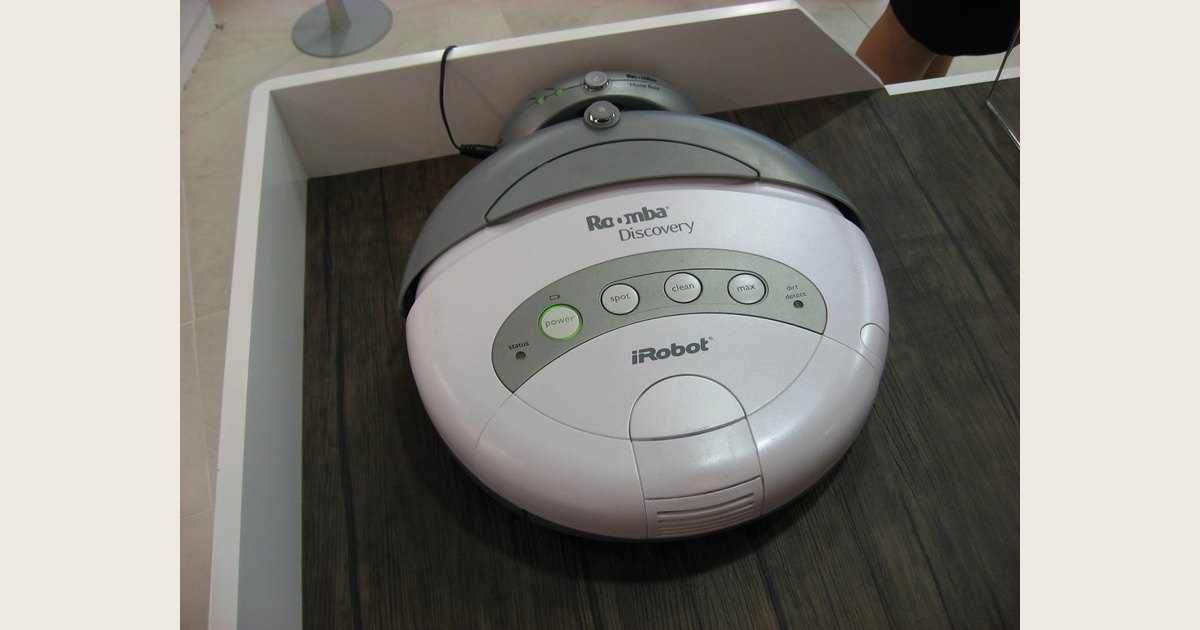
A charging dock may do much more than recharge, but its automated tasks vary by robot and dock package.
Photo: Robot vacuum in charge dock by Kai Hendry, CC BY 2.0. Resized and padded. Illustrative stock photo; no product testing is implied.
Before paying for a more elaborate dock, decide whether you will fill water tanks, empty dirty water where applicable, change bags, clean trays, and buy replacement consumables. Choose a dock for the chores it removes, not its longest feature list.
4. The routine behind the robot
Every combo still needs some care: emptying a bin, untangling brushes, cleaning a pad, refilling water, maintaining the dock, checking filters, and replacing consumables as the manual directs.
A simple robot with a removable pad can be a better fit if dock space and tank care are drawbacks. A pad-washing dock can be worthwhile if manual pad care would keep you from mopping regularly.
Choose a capability tier, then verify the details
Rather than shopping by a made-up price cutoff, compare the types of work a system performs for you.
| If your priority is… | Put these capabilities near the top of the list |
|---|---|
| Basic hard-floor upkeep | Vacuum-only mode, controllable mopping, simple pad and bin access |
| Several rooms and mixed surfaces | Room maps, no-mop zones, a documented carpet strategy |
| Less routine handling | Auto-emptying, pad washing or drying, clear tank-care instructions |
| Pet hair and clutter | Suitable brush access, stated obstacle handling, easy inspection |
Match features to a specific problem: auto-emptying for debris handling, pad washing and drying for pad care, and a carpet strategy when damp pads near rugs are a concern.
A 10-minute comparison checklist
Independent testing can help you compare candidates, but it does not replace checking the exact bundle you will buy. Tom’s Guide’s robot-vacuum guide describes its recommendations as “tried and tested” and can provide a useful independent second opinion; verify that its reviewed model and dock match the current package. Use this checklist for each model:
- Read the product page and manual for the exact robot and dock bundle.
- Confirm needed cleaning modes and the exact carpet approach.
- Check map controls, including room selection and exclusion zones.
- Compare each dock task: charging, emptying, water refill, pad washing, drying, and dock cleaning.
- Check floor-care guidance and approved liquids before adding anything to the tank.
- Look up consumables, dimensions, dock placement, support, and return terms.
Compare functions, not marketing labels. A feature name does not tell you whether the pad stays off your rug or whether you can maintain the machine.
Setup and troubleshooting: prevent the most common frustrations
Watch the first runs. Clear hazards, open desired rooms, and note where the robot hesitates or catches. Then add an exclusion zone, move a cable, adjust the map, or reserve mopping for suitable hard floors.
For problems, start with these checks and then follow the exact manual:
- Damp rug: Stop combined cleaning, check mop settings and map boundaries, and use vacuum-only cleaning nearby until resolved.
- Streaky floor: Clean or change the pad, address sticky messes manually, and check that the water or cleaner suits both robot and floor.
- Missed area or stranding: Remove the obstruction, inspect thresholds and clearance, then adjust the map or exclusion zone.
- Poor pickup: Inspect the bin, filter, brushes, wheels, and pad for buildup or tangles.
- Dirty dock: Empty and rinse parts only as the manual directs; self-cleaning does not eliminate all dock care.
The best choice is a documented fit, not a universal winner
The best robot vacuum and mop for a mostly hard-floor home may be a straightforward unit with easy controls and manageable pad care. For a house with rugs and carpet, it should have a clearly documented way to keep damp mopping hardware away from textiles. For someone trying to reduce daily chores, the best option may be a dock whose automation matches the chores they most want to avoid.
Shortlist only models that document the floor modes, carpet behavior, navigation controls, and dock tasks you need. Then compare the current package contents, price, support, and return terms from the manufacturer or retailer. That approach gives you a purchase decision based on your home instead of an unsupported all-purpose ranking.
Featured image credit
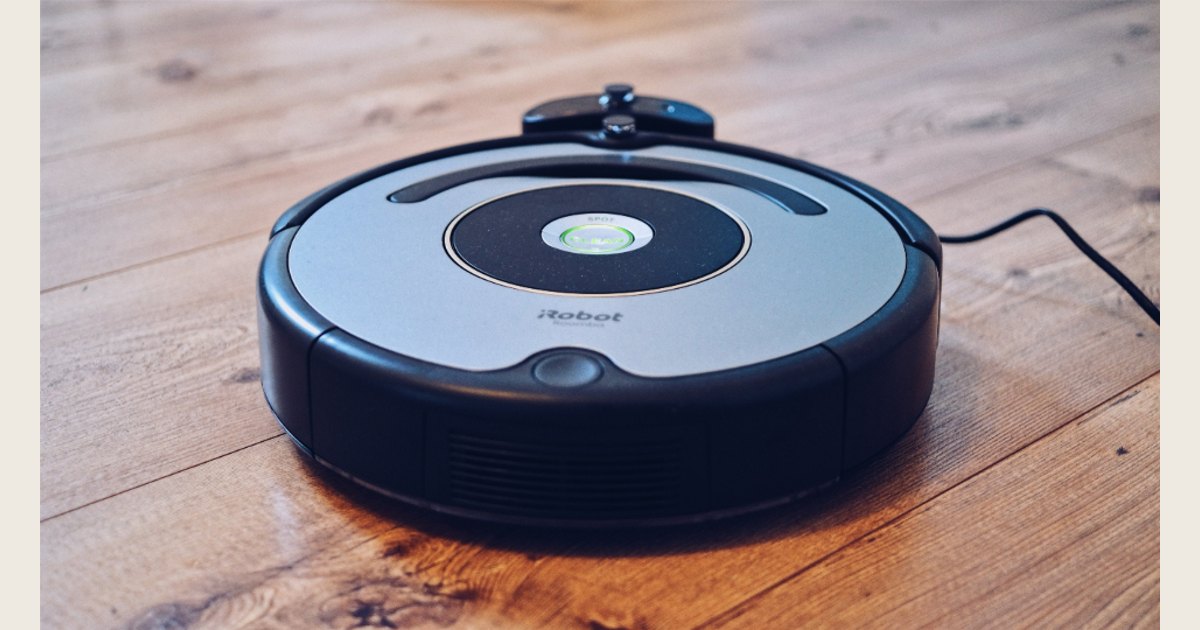
Photo: Robot Vacuum by Jens Mahnke, CC0 1.0. Resized and padded. Illustrative stock photo; no product testing is implied.